Free
For trying Patrascan and occasional cards.
₹0forever
- 15 card scans
- 2 folders
- 3 active follow-up reminders
- Save to phone, call, WhatsApp, email
- Search, tags, favourites
- Works offline
Business card scanner · Android & iPhone
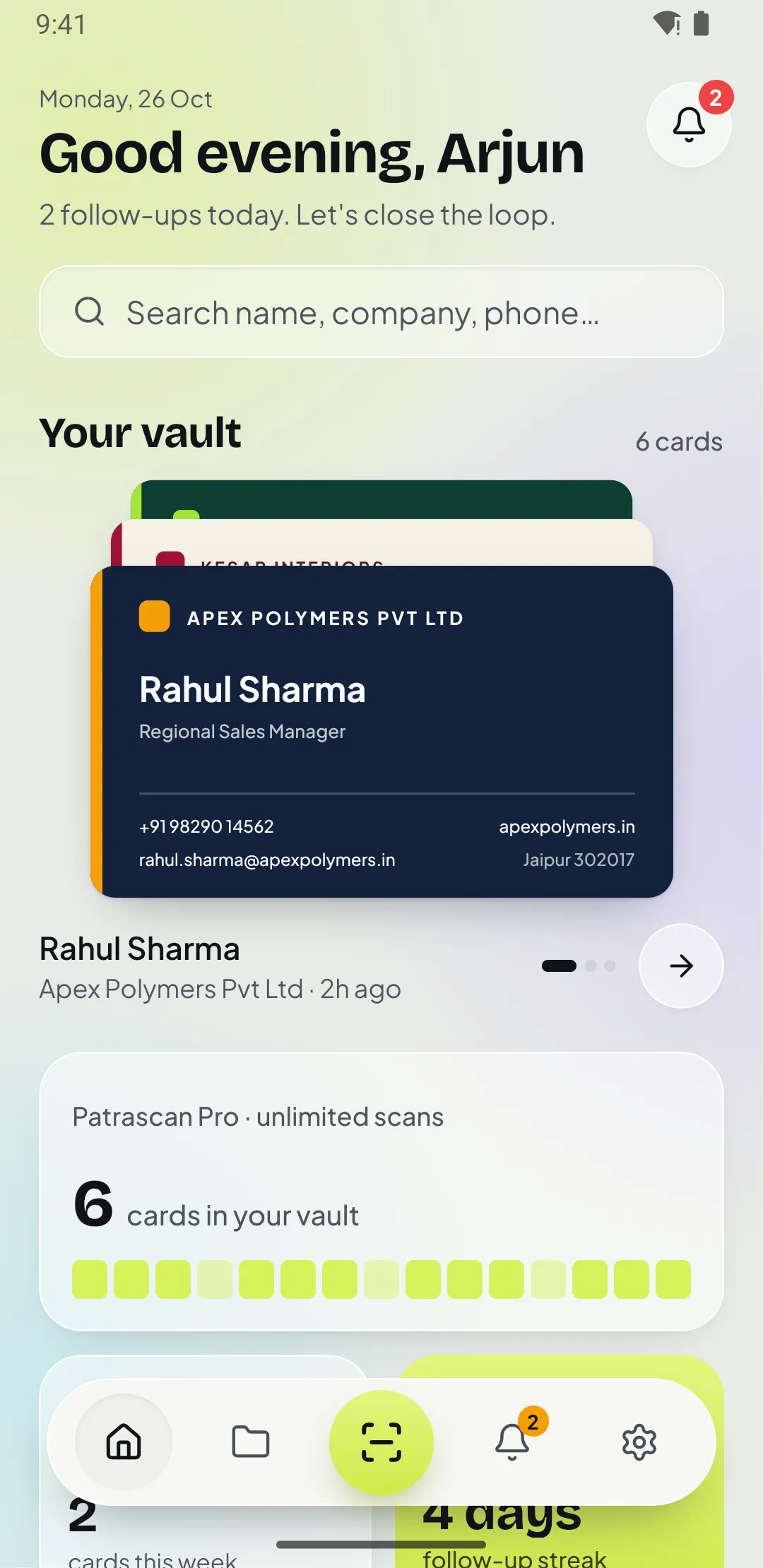
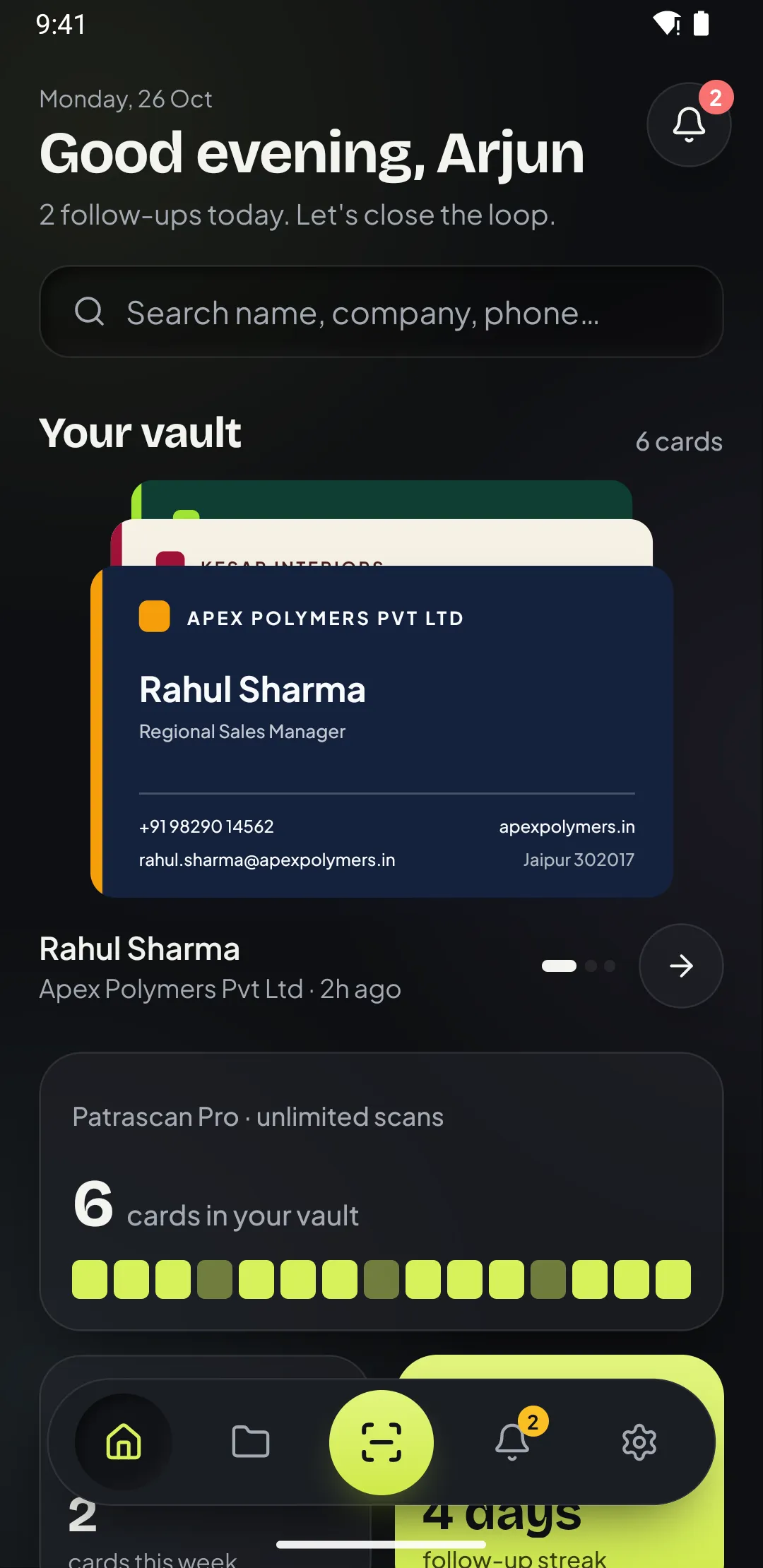
Scan a business card and Patrascan fills in the name, number, email and address, saves it to your phone and reminds you to call back.
How it works
01 / 07 · Scan
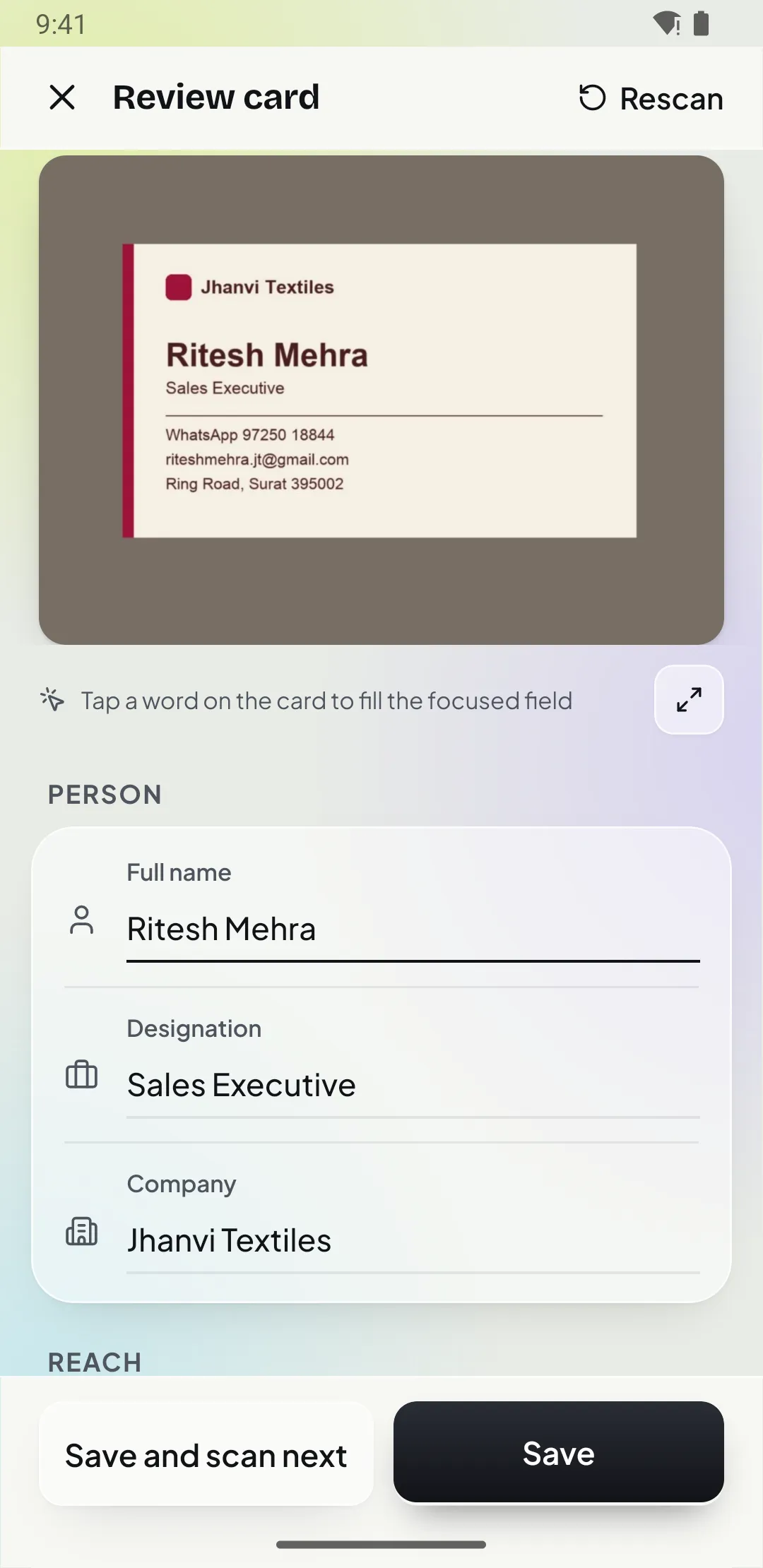
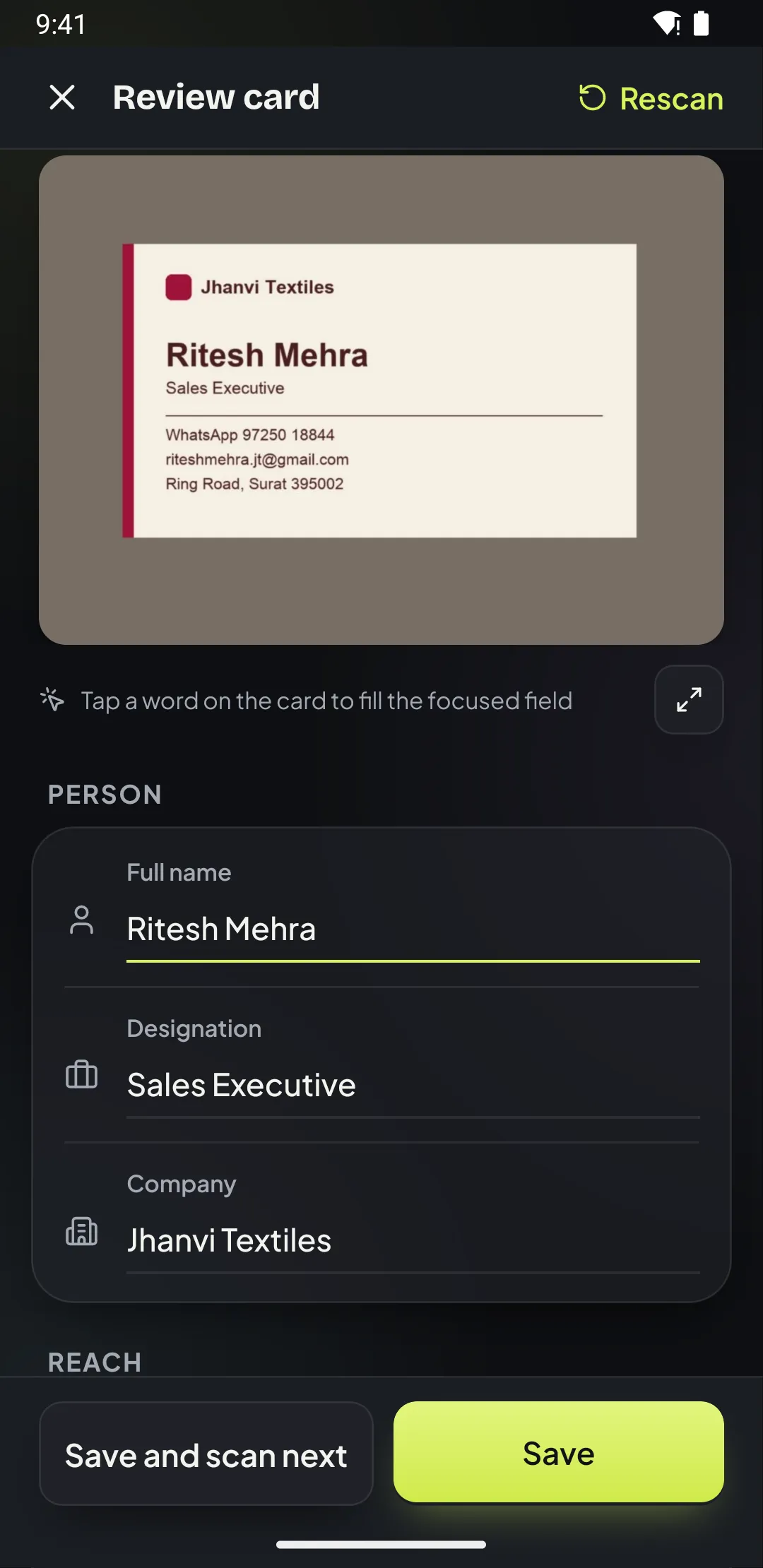
The scanner finds the edges, straightens the card and reads it on your phone. Name, designation, company, mobile, office number, email, website and address land in the right fields in a second or two.
02 / 07 · Batch
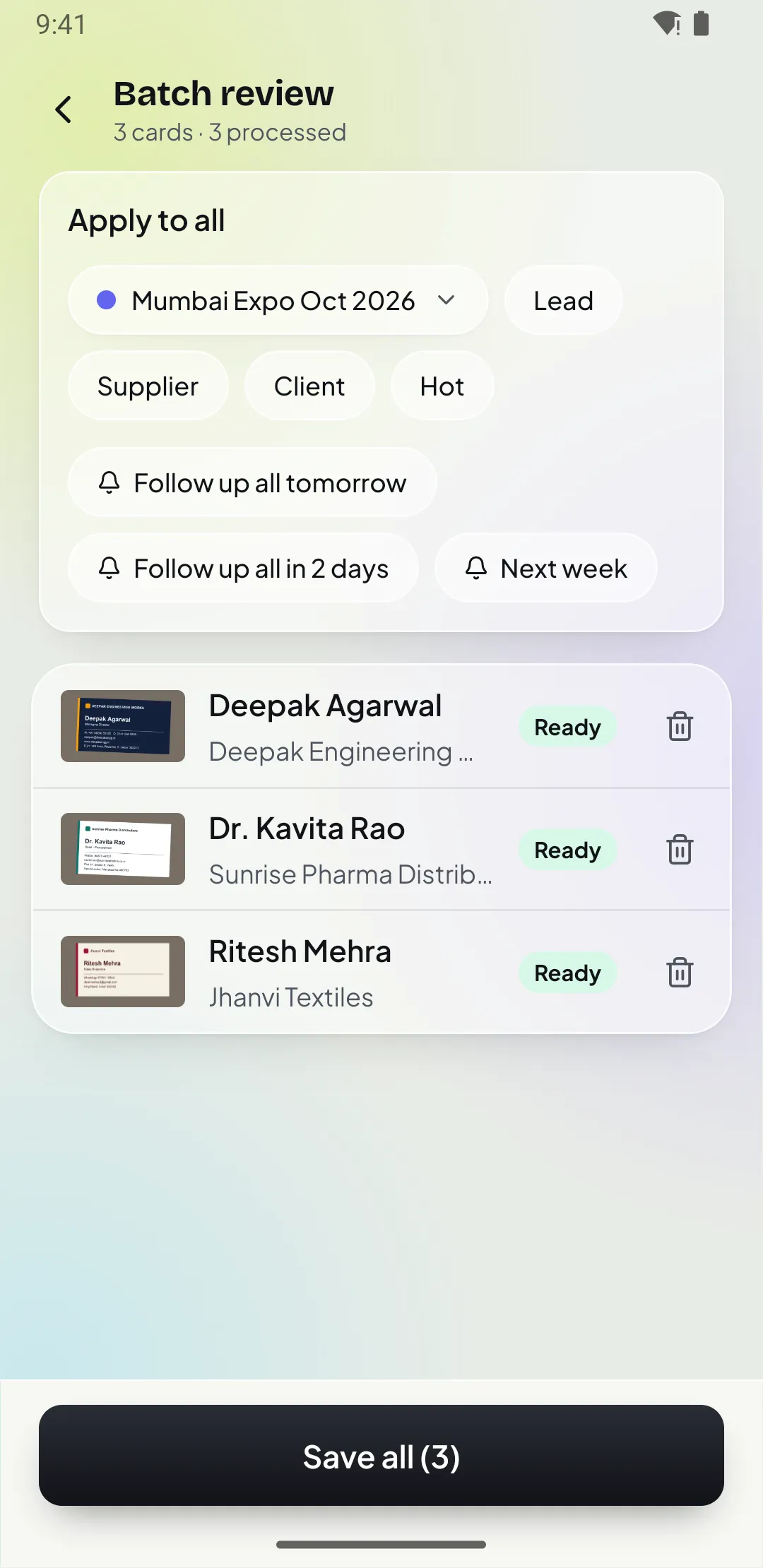
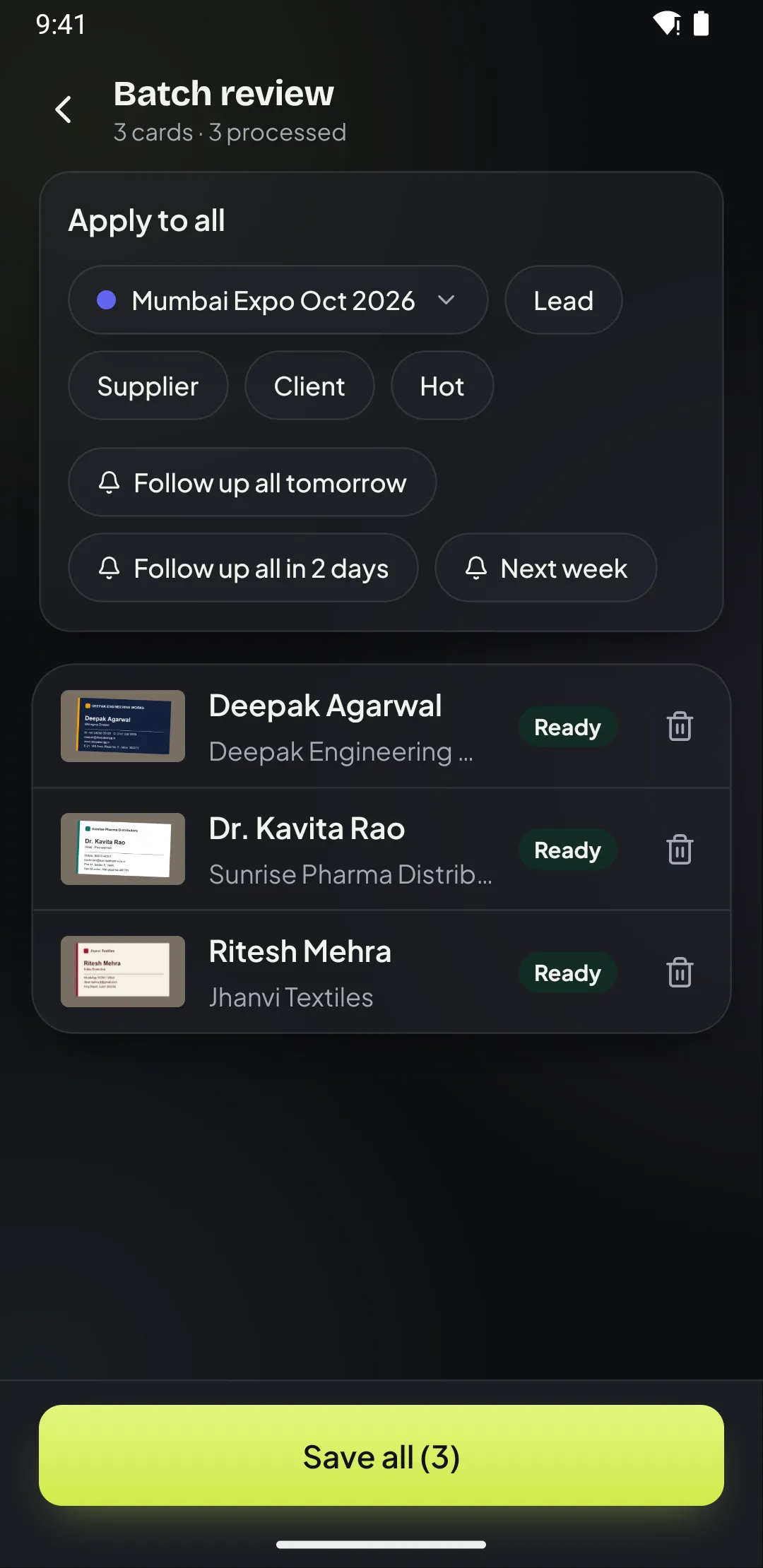
Batch scan reads up to 30 cards in one go. Apply one folder, tag and follow-up to all of them, check the ones marked for review and save everything together.
03 / 07 · Organise
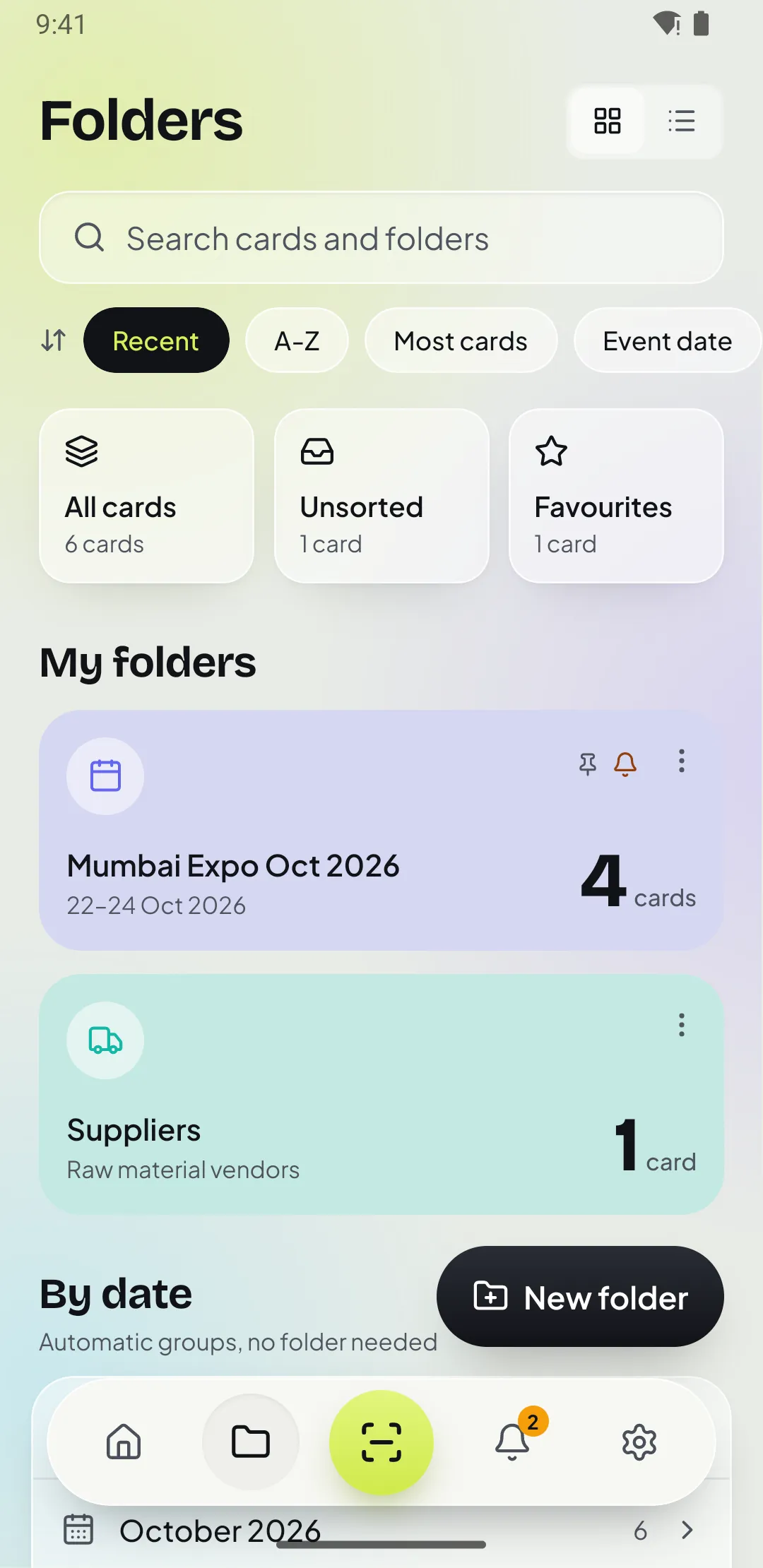
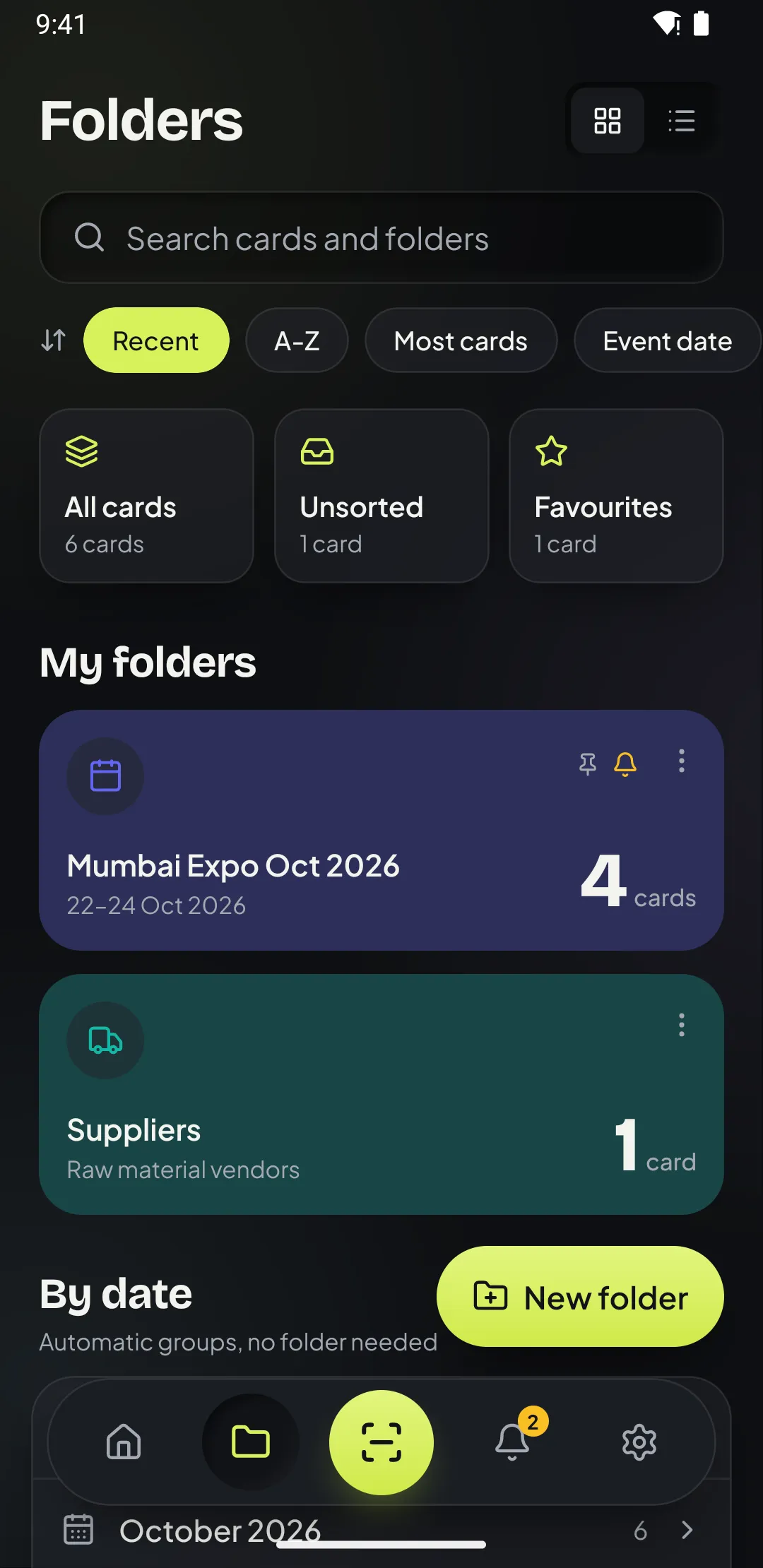
Create folders like “Mumbai Expo Oct 2026” or “Suppliers”, add tags such as Lead, Client or Hot, and Patrascan also groups cards by when you met: this week, this month, earlier.
04 / 07 · Follow up
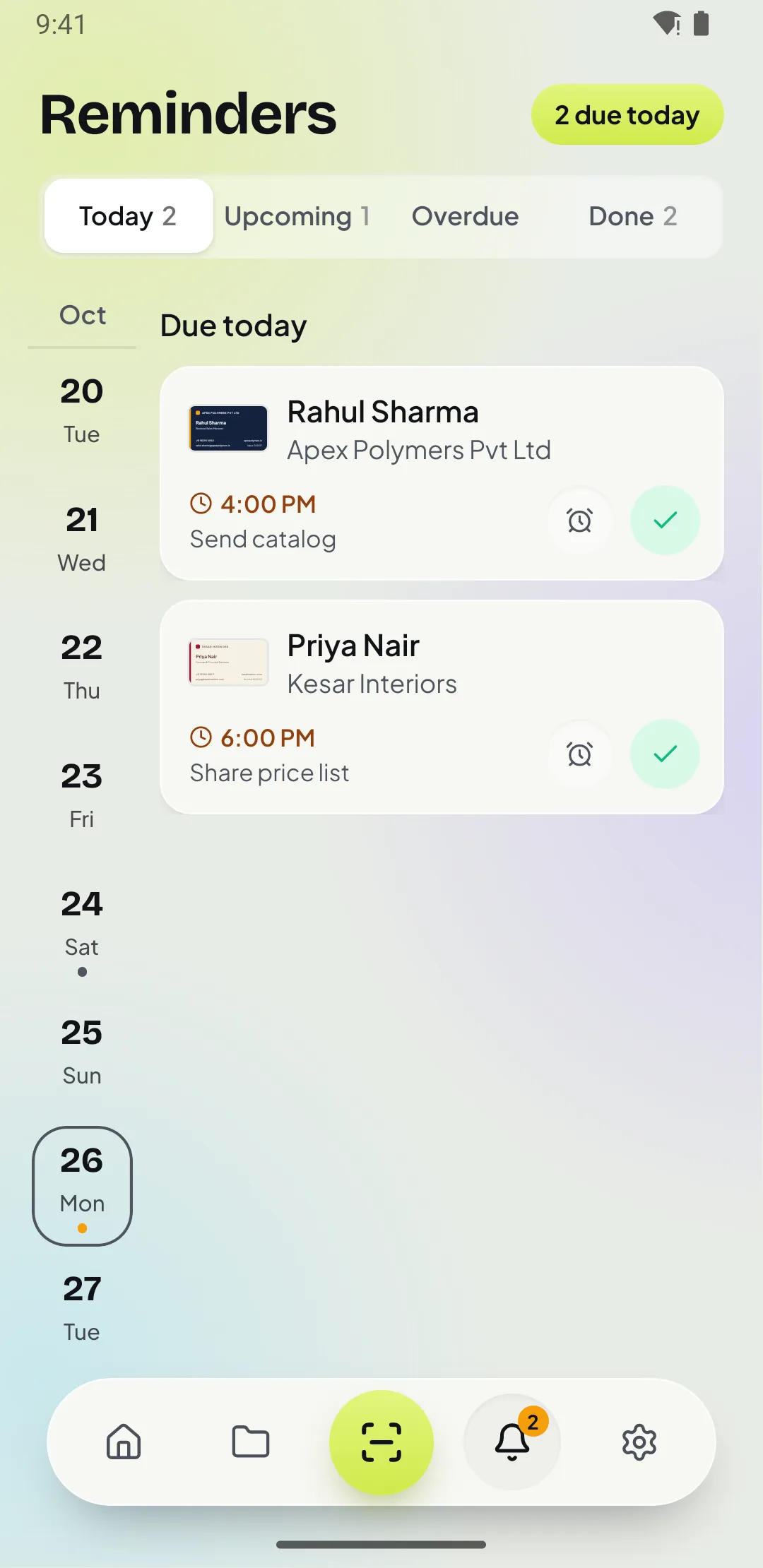
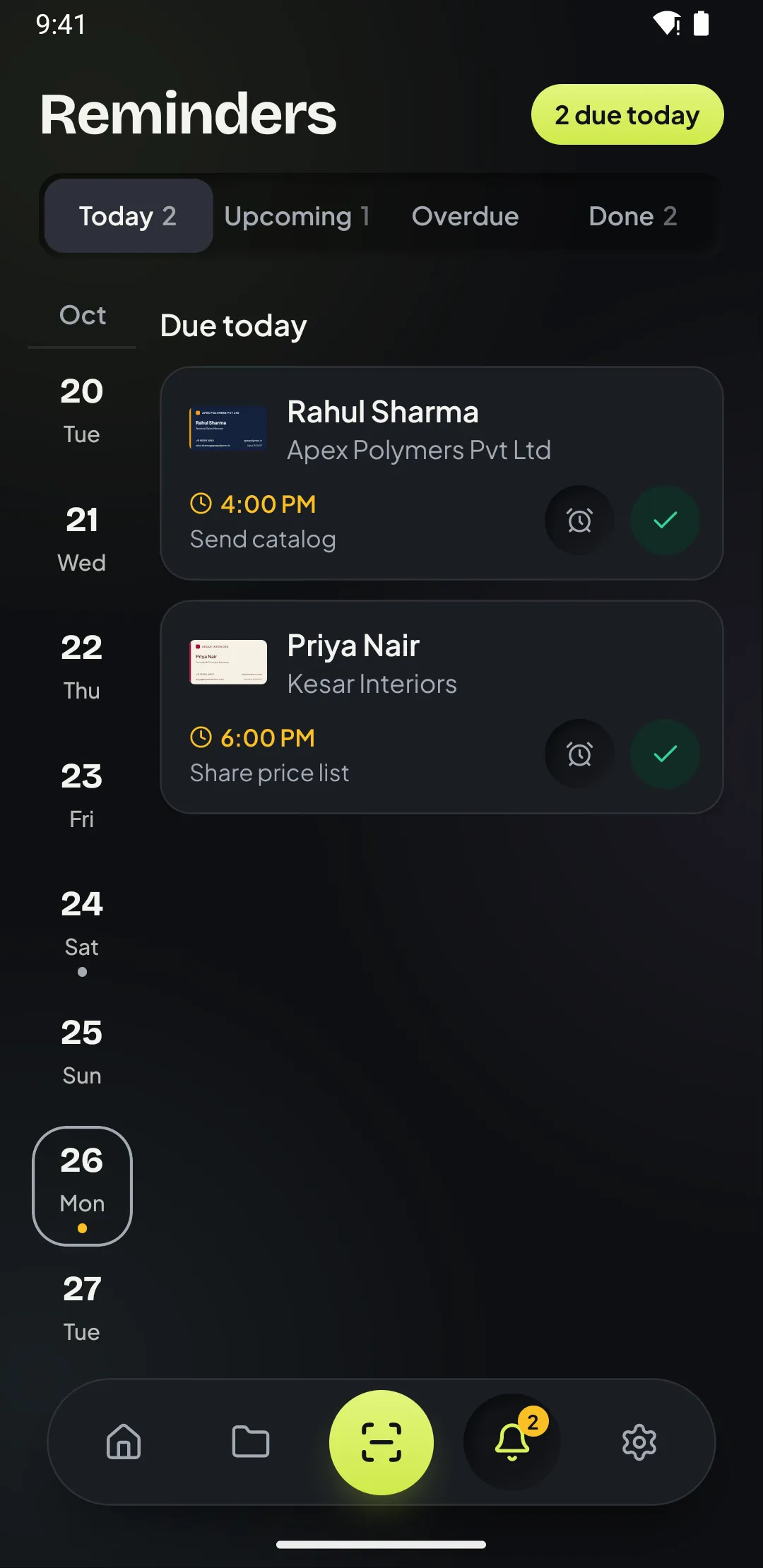
Set a follow-up while you save the card: later today, tomorrow at 10, in 3 days, next week or any time, with a note. The reminder arrives with Call, WhatsApp, Snooze and Done buttons.
05 / 07 · Act
Every card has Call, WhatsApp, Email, SMS, Maps and Save to phone. WhatsApp opens with a ready greeting, “Hi Priya, great meeting you at Mumbai Expo!”
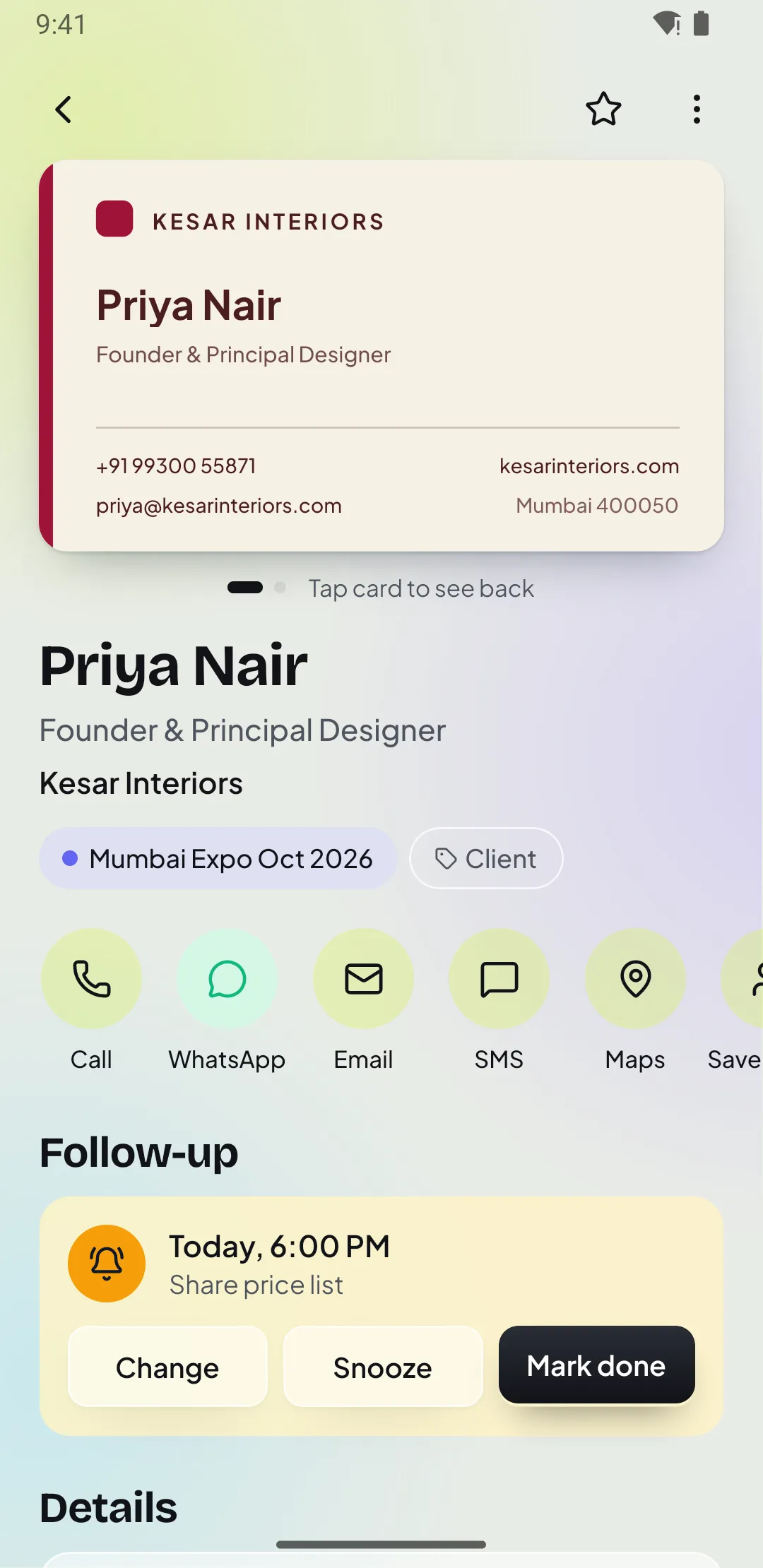
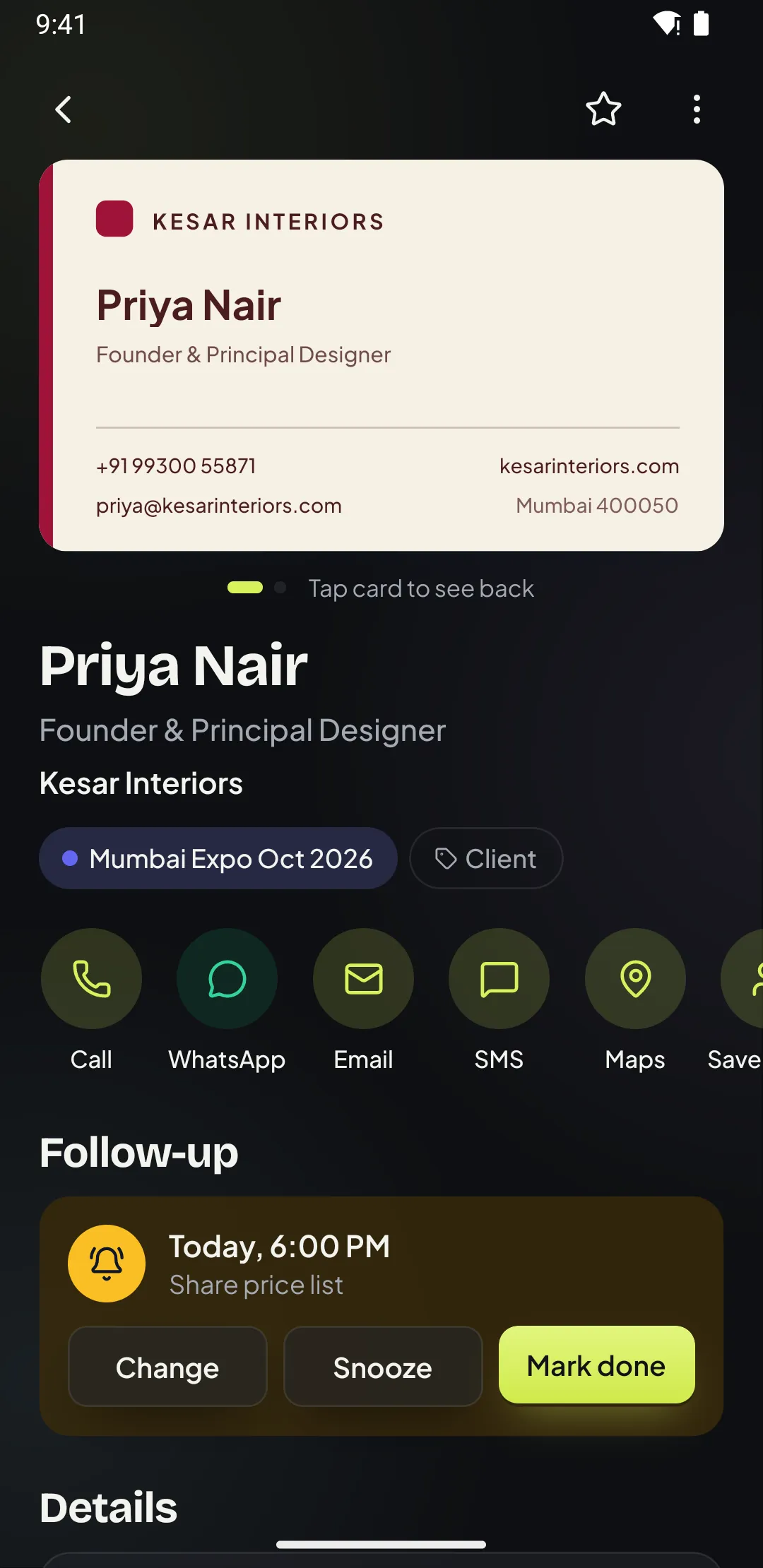
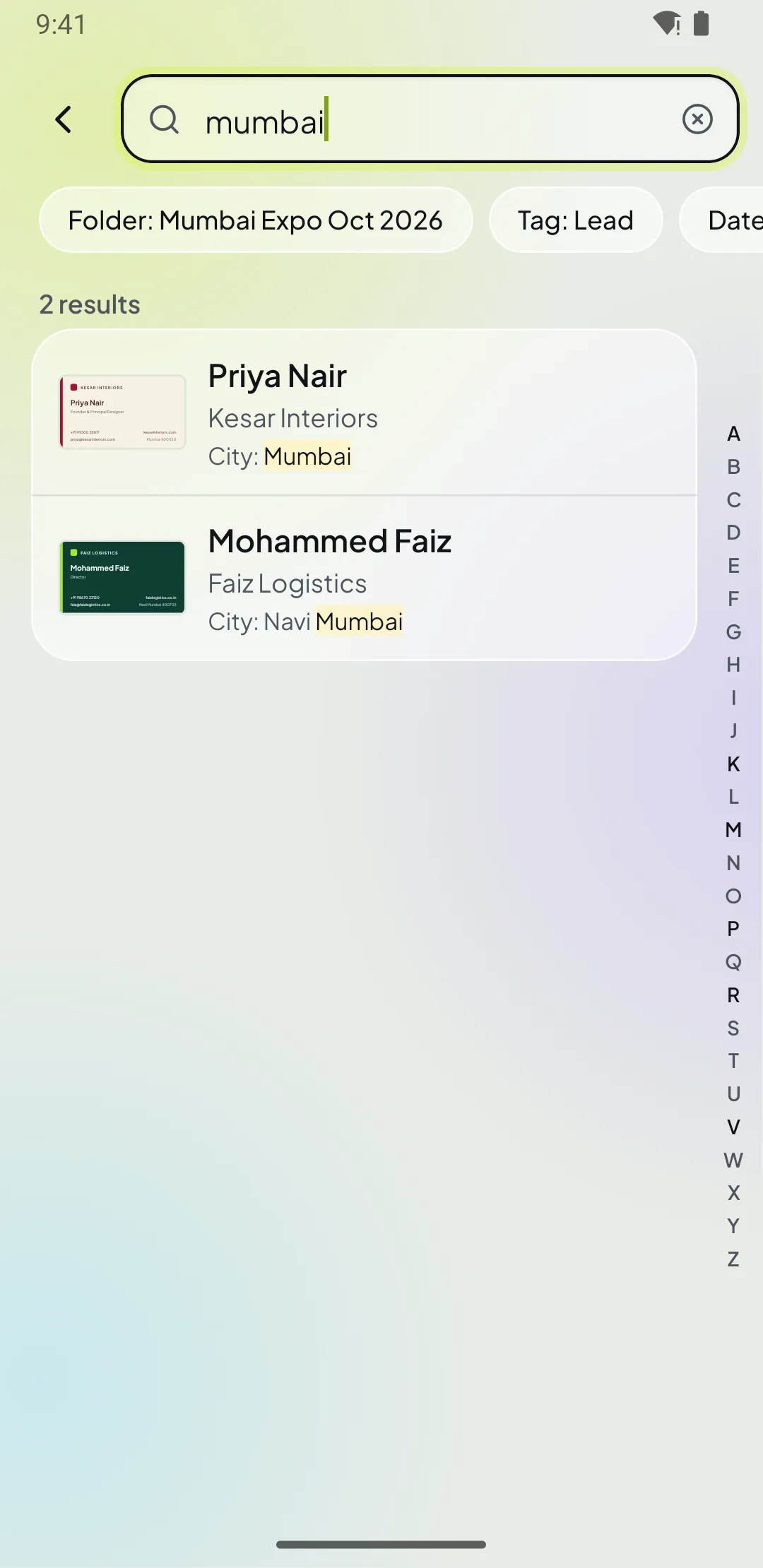
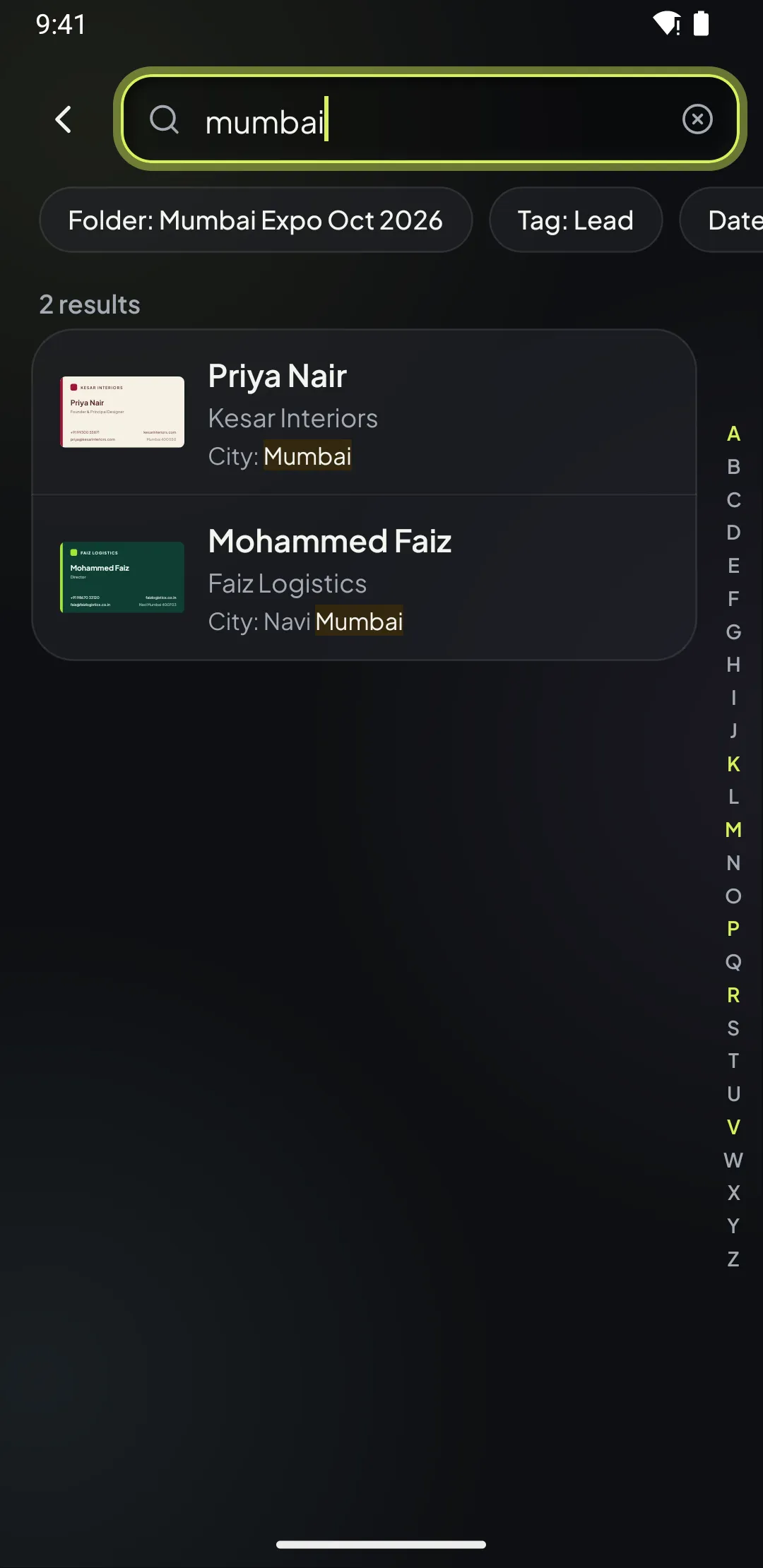
06 / 07 · Find
Search names, companies, phone numbers, emails, cities, tags and notes. It is instant and it works with no internet.
07 / 07 · Export
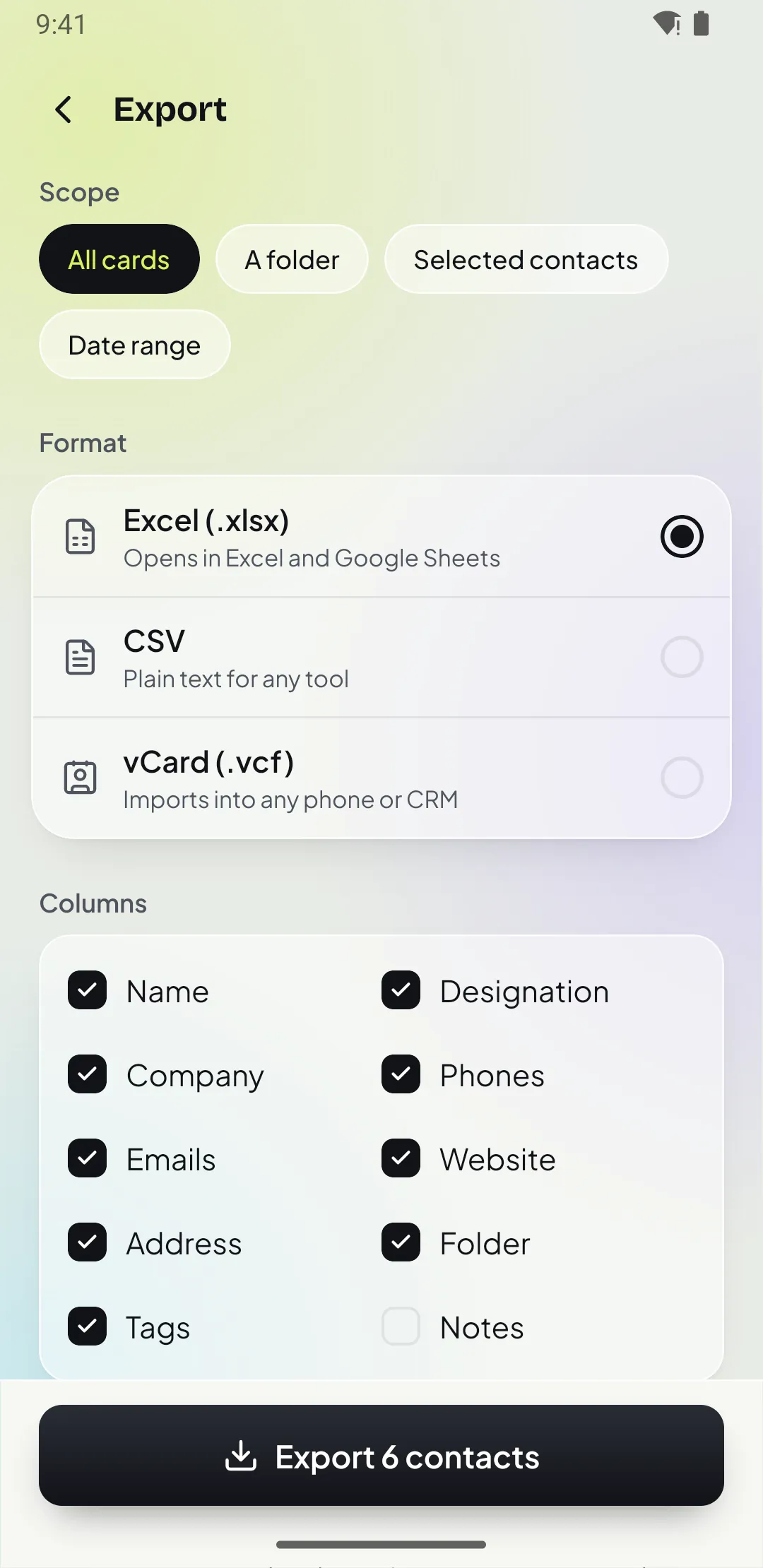
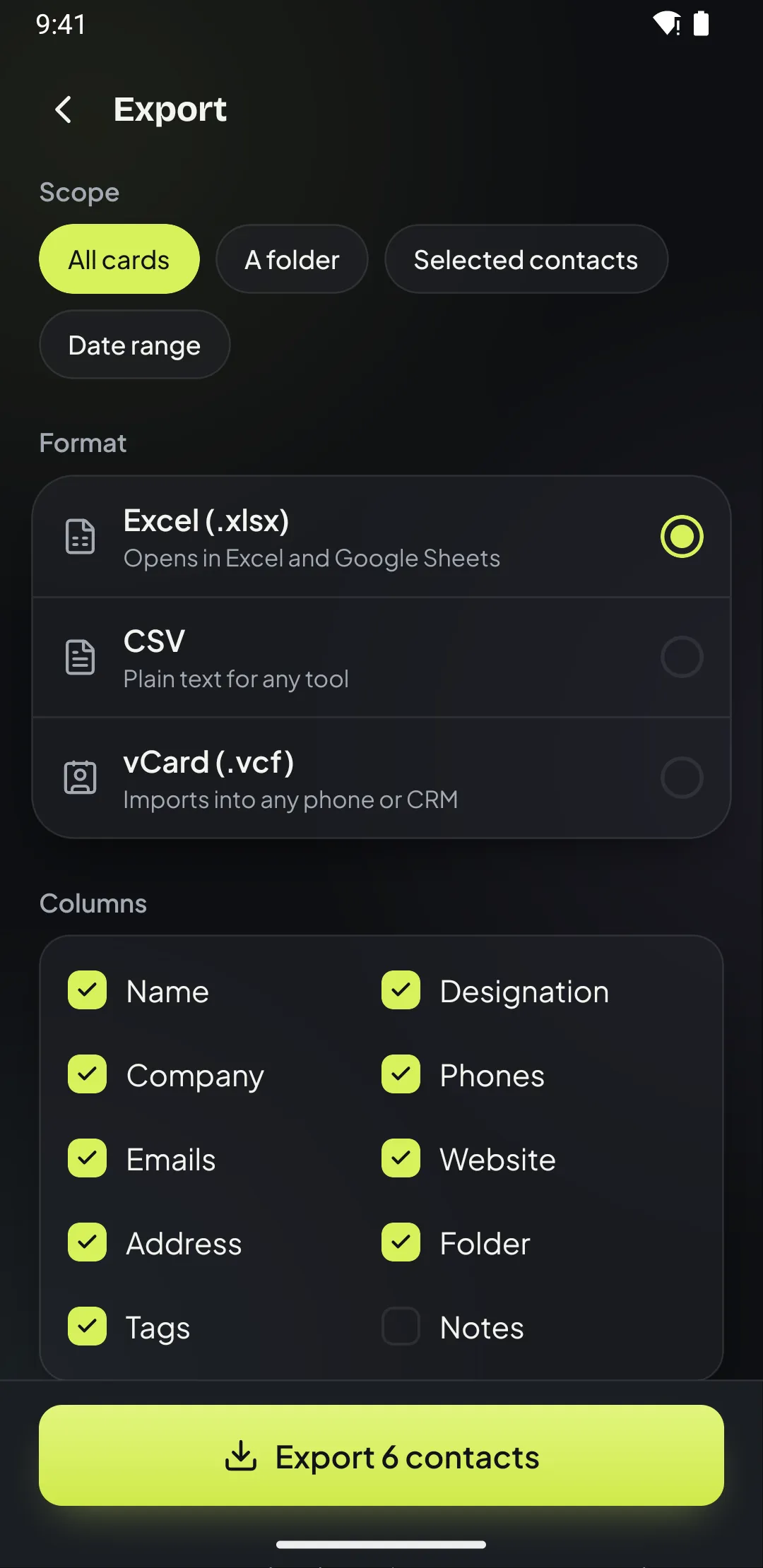
Export all cards, one folder or a date range to Excel, CSV or vCard, choose the columns and share it to email, WhatsApp, Drive or your CRM.
Private by design
Business cards hold other people’s personal details. Patrascan reads them with on-device text recognition and never sends card images or text to an AI service. Cloud backup is optional, and you can delete your account and data from the app at any time.
Read the privacy policyTry it yourself
This runs the same card reader the app uses, right here in your browser. Pick a sample card or paste the text from one of yours. Nothing is uploaded.
1 · Pick a card
Or paste the text from any card
2 · What Patrascan reads
Pick a card or paste some text.
Runs in your browser with the same rules as the app.
Built for people who meet people
Trade shows and expos
Batch scan the stack, put it in the expo folder and set one follow-up for everyone you met.
See howField sales
Reminders with WhatsApp in the notification.
Real estate
Folders by project, tags by intent.
Also used by
Distributors and traders, recruiters, founders, insurance and loan agents, event teams and consultants.
Great with Indian cards
Reads English-language cards from any country, and Indian visiting cards especially well: Pvt Ltd and LLP names, +91 mobiles, STD landlines, PIN codes and WhatsApp-first follow-ups.
Everything in the app
The document scanner finds the card edges, straightens it and captures both sides. You can also pick a photo from your gallery.
Wrong field? Tap any word on the card image and drop it into Name, Company or Designation. Unsure fields are highlighted.
Numbers are saved in international format and labelled Mobile, Office or WhatsApp. Indian +91 mobiles, STD landlines and PIN codes are read especially well.
Back from an expo with a stack of cards? Scan them in one go, apply a folder, tag and follow-up to all, then save together.
Keep "Mumbai Expo Oct 2026", "Suppliers" or "Pune clients" apart, with dates, location and a pinned default folder for new scans.
Mark cards as Lead, Client, Supplier or Hot, star the important ones and filter by any of them in search.
Later today, tomorrow at 10, next week or any time, with notes and weekly or monthly repeats. Act from the notification itself.
Open a chat with a ready greeting, "Hi Rahul, great meeting you at Mumbai Expo!", or call, SMS, email and open maps.
One tap adds the person to your phone contacts so they show up in your dialer and WhatsApp.
Search names, companies, numbers, emails, cities, tags and notes, even with half a phone number. Works offline.
Scanned the same person twice? Patrascan spots the matching number or email and offers to merge.
Export everything, a folder or a date range, choose the columns and share the file to your email, Drive or CRM.
Light and dark
Patrascan follows your phone’s theme or the one you pick. Large touch targets, one-handed reach and support for bigger text sizes.
Pricing
For trying Patrascan and occasional cards.
₹0forever
For sales people, founders and anyone who meets people for work.
Monthly
₹149
per month
50 scans a month
Cancel anytime
6 months
₹599
every 6 months
400 scans
₹100/month
Yearly
₹999
per year
1,000 scans a year
₹83/month
Need more scans? Top-up packs: +100 for ₹99 or +500 for ₹399, one-time, used after your plan's scans.
Rupee (₹) prices are for India and include taxes. Outside India you pay the local price shown in the App Store or Google Play. Billed by Google Play or the App Store. Subscriptions renew automatically until you cancel in your store account. Your cards are never deleted if Pro ends.
Patrascan is a business card scanner app (also called a business card reader) for Android and iPhone that turns a business card, visiting card or name card into a saved phone contact in seconds. Point the camera at a card and the name, mobile number, email, company, designation, website and address fill in by themselves. You can then sort cards into folders, set a follow-up reminder and message the person on WhatsApp in one tap. It is made by TANTRIJA ENTERPRISES, a business registered in India, and is available worldwide.
Yes. Patrascan is a free business card scanner to start with: the free plan includes 15 card scans, 2 folders and 3 active follow-up reminders, with Save to phone, Call and WhatsApp on every card. Patrascan Pro adds more scans (50 a month for ₹149, 400 for ₹599 every 6 months, or 1,000 a year for ₹999), unlimited folders and reminders, batch scanning, Excel, CSV and vCard export, cloud backup and app lock. Outside India you pay the local price shown in the App Store or Google Play.
Patrascan reads the card with Google ML Kit text recognition (OCR) on your phone and then uses rules to put each line in the right field: names, designations, company names (Ltd, LLC, Inc, Pvt Ltd, LLP and more), emails, websites and phone numbers. Numbers written with a country code (such as +1, +44 or +971) are read for any country, and numbers without one are read as numbers from your phone’s region. Indian STD landlines and 6-digit PIN codes are handled especially well. Clear printed cards usually need no edits. Any field it is unsure about is highlighted for you to check, and you can tap a word on the card image to drop it into a field. Glossy, very dark or handwritten cards may need a quick correction.
Yes. Scanning, reading the card, saving, searching, folders and reminders all work offline because everything runs on your phone. If you use cloud backup (Pro), changes made offline are synced automatically when you are back online.
No. Cards are read on your phone with on-device text recognition; Patrascan does not send card images or card text to any AI service. Nothing leaves your phone unless you turn on cloud backup (Pro), which stores your contacts and card images on Patrascan’s own servers so you can restore them on a new phone.
Yes. With Patrascan Pro you can export all cards, one folder or a date range to Excel (.xlsx), CSV or vCard (.vcf), choose the columns, and share the file to email, WhatsApp, Google Drive or your CRM.
When you save a card, pick a reminder such as Later today, Tomorrow at 10 AM, In 3 days, Next week or a custom date and time, and add a note like “Share price list”. Reminders can repeat weekly or monthly. When it is due you get a notification with Call, WhatsApp, Snooze and Done buttons, so you can follow up without opening the app. You can also set one reminder for a whole folder, such as everyone you met at an expo.
Get the app
Free for your first 15 cards. No credit card, no account needed to start.